



Description
Download ChatGPT APK – AI Chatbot, Content Generator, Image Creator, Voice Interaction, GPT-5, Free AI Tool
Overview
ChatGPT APK is a mobile implementation of the AI-powered chatbot developed by OpenAI. Designed to assist users in generating text, solving problems, and creating content, the application serves as a versatile digital assistant for students, writers, developers, and general users. The software enables real-time interaction through natural language prompts, allowing users to request help with writing, coding, mathematical computations, and creative tasks such as poetry or scriptwriting. It operates on a neural network trained on vast internet data, enabling it to generate contextually relevant responses based on user input. The application supports both text and voice interaction, offering a hands-free experience for users on the move. Additionally, it includes image input functionality, allowing users to upload images for analysis and contextual responses. A memory feature retains user preferences across sessions, improving personalization over time. However, it requires a stable internet connection to function, as all processing occurs on remote servers. The developer did not provide additional system requirements or details on offline capabilities. Real-world usage scenarios include drafting emails, brainstorming ideas, debugging code, and generating creative content. While the APK version is not officially endorsed by OpenAI, it remains a widely used alternative for mobile access to AI-driven assistance.
Key Features & Capabilities
- AI-Powered Text Generation – Users can input any query or prompt, and the chatbot generates written responses, including articles, letters, scripts, and poetry. Ideal for content creators and students needing quick drafts.
- Voice Interaction – Enables users to speak their queries instead of typing, enhancing accessibility and convenience, especially during multitasking or on-the-go use.
- Image Input Analysis – Allows users to upload images for interpretation, description, or contextual insights, expanding the tool’s utility beyond text-based tasks.
- Memory Functionality – Retains user preferences and conversation history across sessions, allowing the AI to adapt to individual writing styles and needs over time.
- Multi-Task Support – Capable of handling diverse tasks such as coding, math problem-solving, translation, and creative writing, making it suitable for professionals and hobbyists alike.
- Real-Time Model Routing (GPT-5) – The latest version employs a dynamic routing system that selects the most appropriate model for each task—fast for simple queries, deeper reasoning for complex ones—ensuring optimal response quality.
These features support workflows ranging from academic research and technical development to content creation and personal organization. For example, a developer can prompt the AI to generate code snippets, debug errors, or suggest improvements. A student can use it to summarize complex topics or draft essays. The memory feature helps maintain consistency in long-term projects, while voice input allows for faster interaction in mobile environments.
User Interface, Workflow & Performance
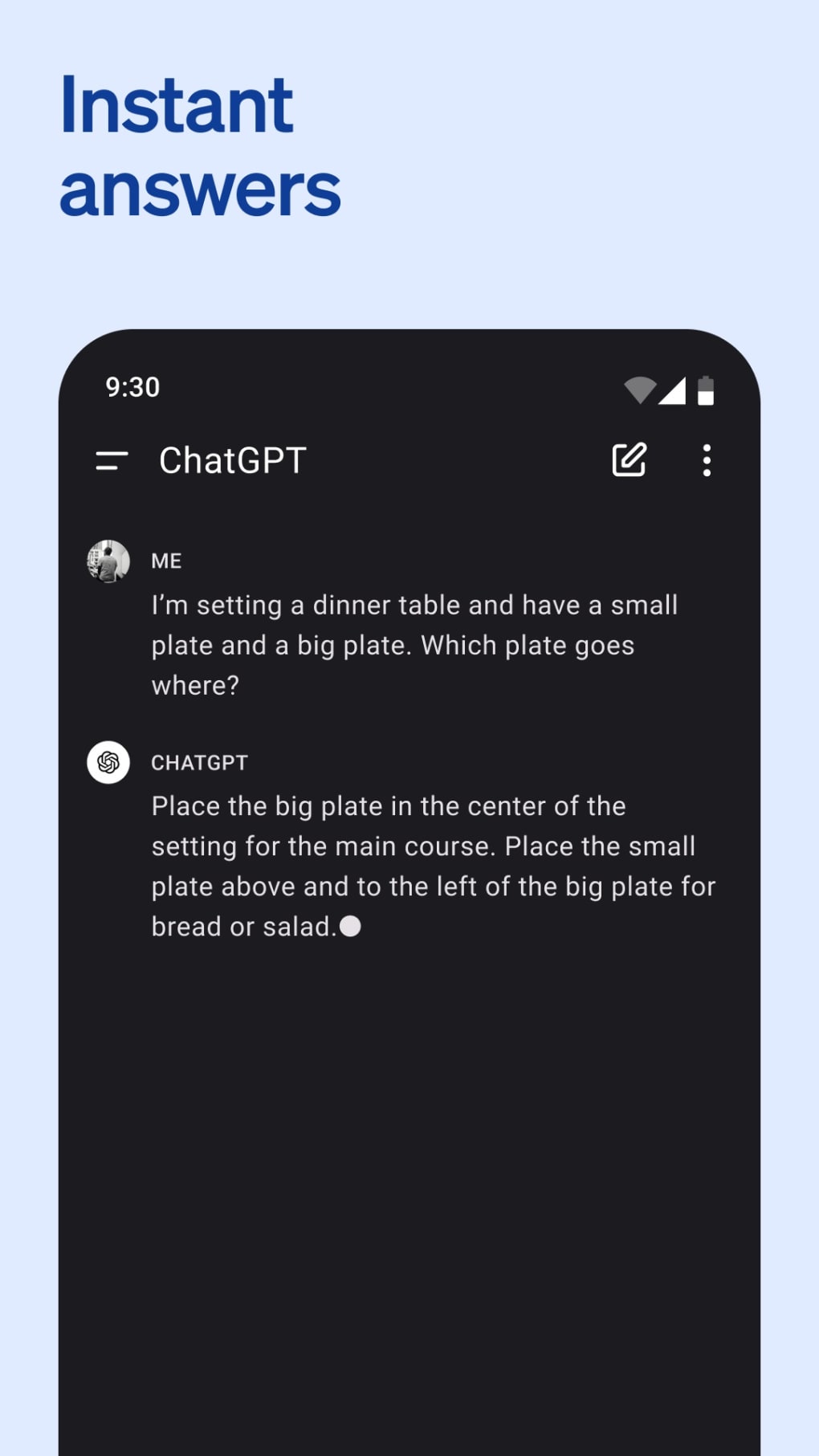
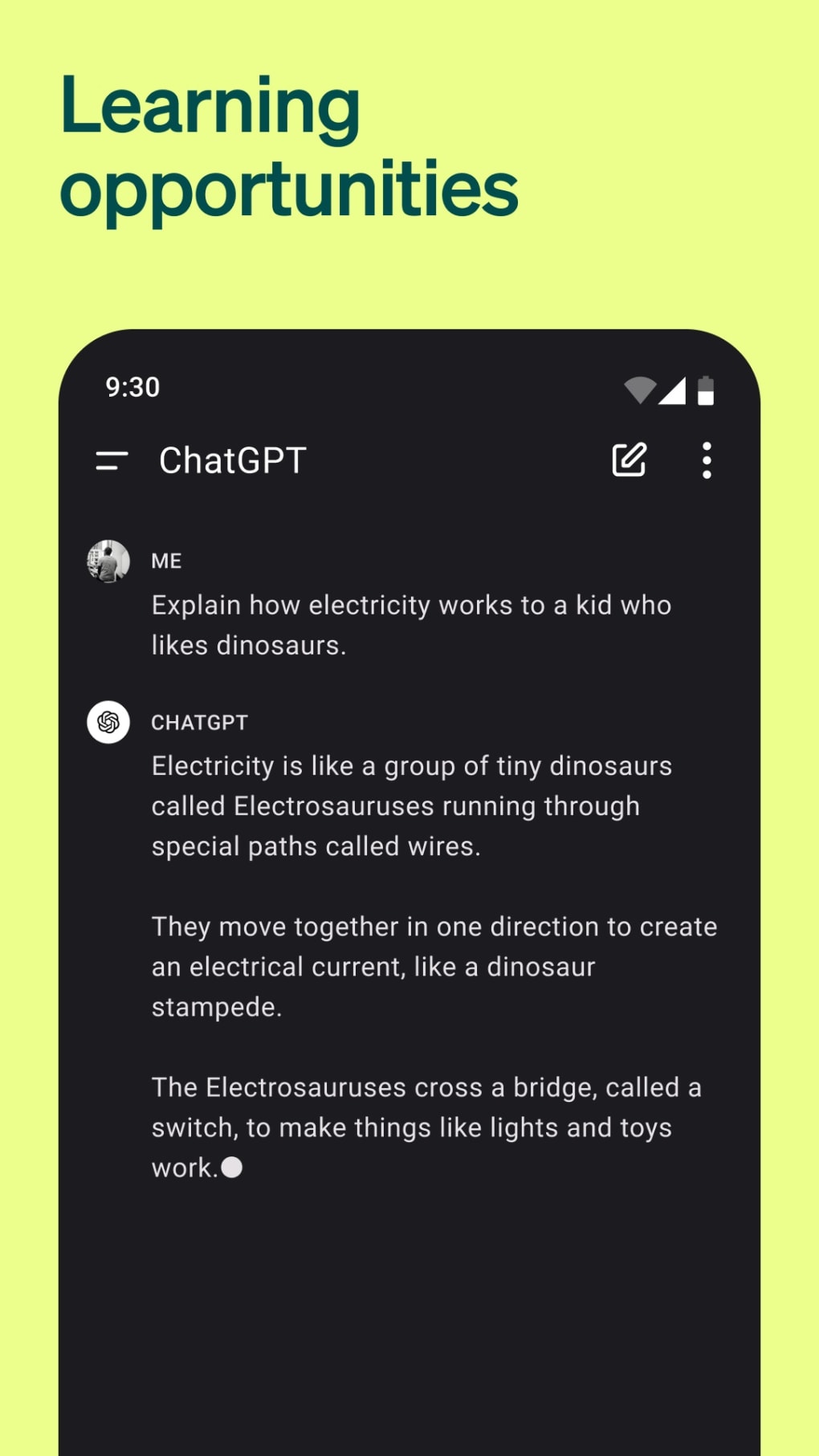
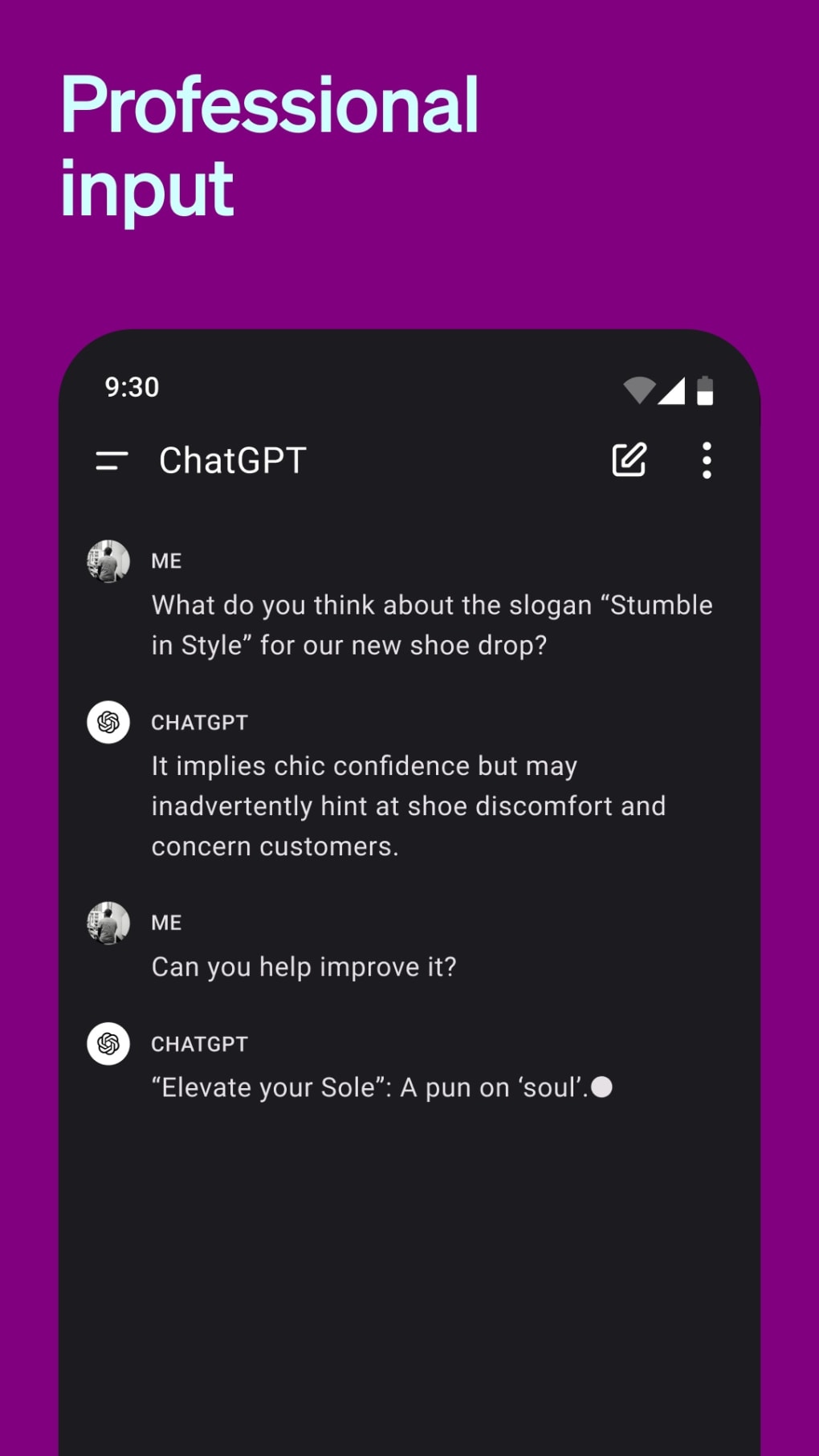
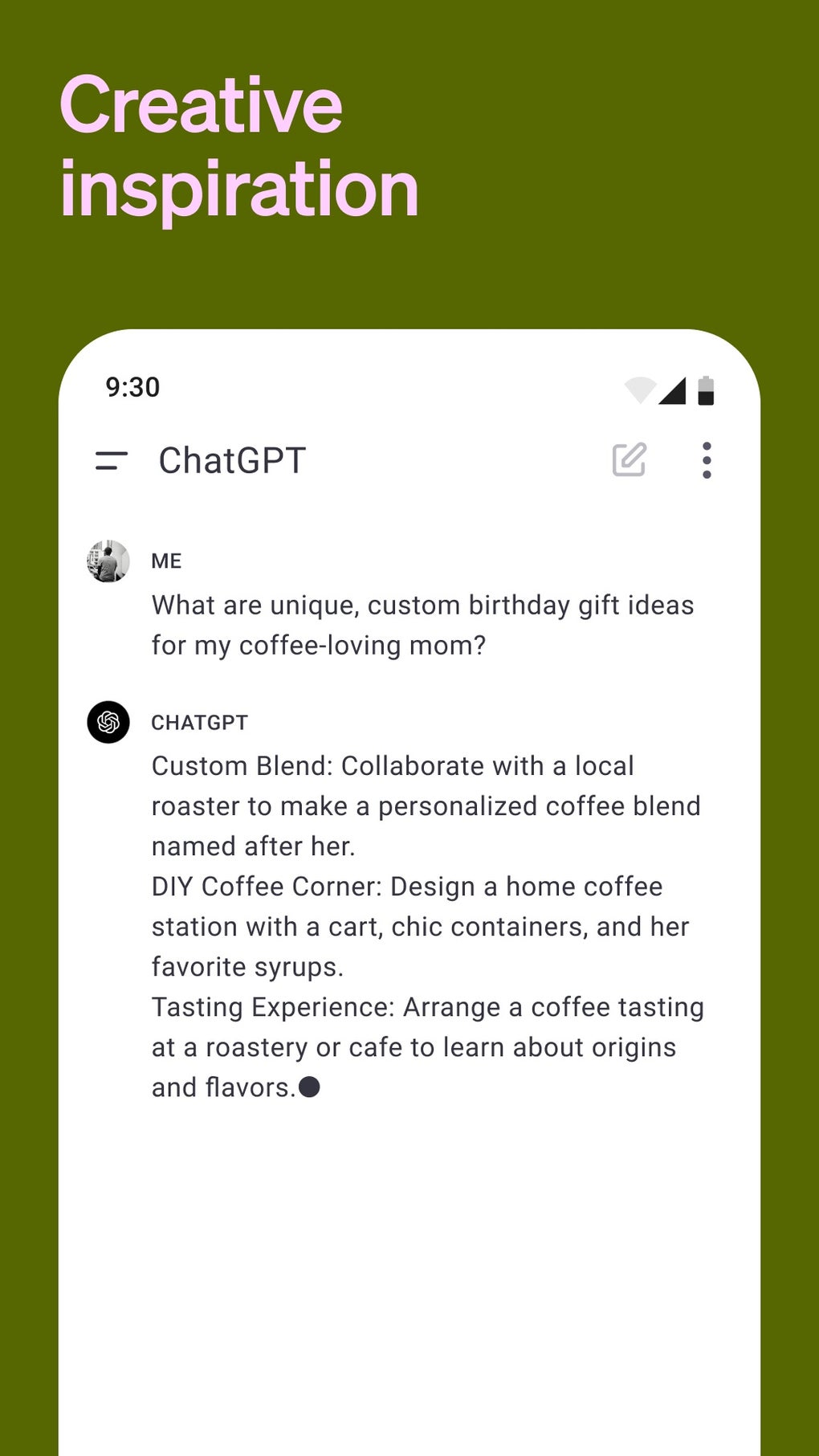
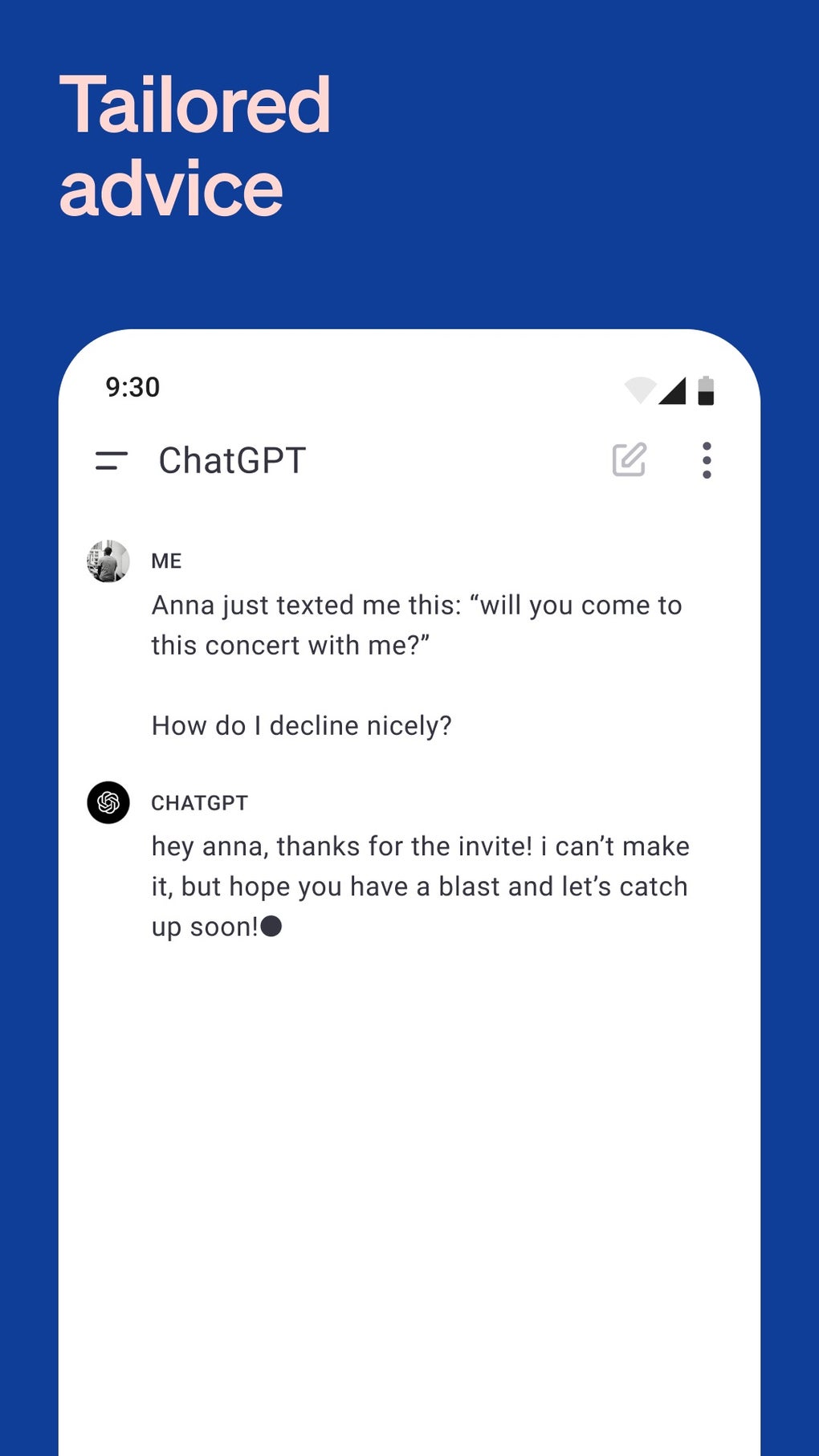
The user interface of ChatGPT APK follows a clean, minimalist design centered around a text input field at the bottom of the screen. Users begin by typing or speaking a prompt, and the AI responds in real time within the chat window. Navigation is straightforward, with conversation threads clearly displayed and organized chronologically. The layout prioritizes usability, minimizing distractions and focusing on the core interaction. Workflow efficiency is high, as users can regenerate responses, edit prompts, or continue conversations without restarting. The application supports quick iteration, enabling users to refine outputs through multiple attempts. Performance is dependent on internet speed and server load, as all processing occurs remotely. The developer did not specify resource usage details, such as CPU or RAM consumption. General observations suggest stable behavior under normal conditions, though performance may vary based on network quality. Stability is maintained through consistent server-side updates, but no information was provided on crash rates or background operation. The application does not appear to run locally, meaning it cannot function without an active internet connection.
Compatibility & System Requirements
ChatGPT APK is designed for Android devices and is available as a downloadable package file. The supported operating system is Android, though the specific version range was not provided. The installation size is not specified, nor were exact hardware requirements shared. The developer did not list minimum processor speed, RAM, or storage needs. Compatibility information is limited to the platform, with no mention of iOS or other mobile systems. Users should ensure their device supports APK installations and has a compatible Android version. The application relies entirely on cloud-based processing, so local system capabilities do not directly affect functionality. However, users may experience slower response times on older or low-end devices due to network latency. The developer did not specify whether the app supports tablets or foldable screens. For optimal experience, a stable internet connection and modern device are recommended.
Pros and Cons
Pros
- Free access to advanced AI-powered text and image generation
- Supports voice input for hands-free interaction
- Intuitive, minimal interface focused on conversation flow
- Memory feature enables personalized, adaptive responses
- Real-time model routing ensures high-quality answers for complex tasks
- Capable of handling coding, math, writing, and creative tasks
Cons
- Requires constant internet connection to function
- Unofficial APK version may pose security risks
- Performance depends heavily on network quality
- Not officially supported or endorsed by OpenAI
- May produce inaccurate or outdated information on niche topics
- Image generation quality may not match human-created art
FAQ Section
Is ChatGPT APK compatible with all Android devices?
Compatibility is limited to Android devices that support APK installation. Specific version requirements were not provided by the developer.
Is the ChatGPT APK safe to download and use?
As an unofficial version, the APK is not endorsed by OpenAI. Users should download from trusted sources and exercise caution regarding privacy and data security.
Does ChatGPT APK work offline?
No, the application requires a continuous internet connection because all processing is performed on remote servers.
What kind of updates are available for ChatGPT APK?
Updates are typically released by third-party developers and may include new features, bug fixes, or compatibility improvements. However, they are not coordinated with OpenAI.
Can I use ChatGPT APK without a subscription?
Yes, the free version provides access to core AI features. However, usage limits may apply, and users may be switched to a smaller, faster model after exceeding thresholds.
Final Thoughts + CTA
ChatGPT APK offers a powerful, accessible way to harness AI for content creation, problem-solving, and daily productivity. Its combination of voice interaction, image analysis, and adaptive memory makes it a flexible tool for students, writers, developers, and casual users alike. While the unofficial nature of the APK introduces potential risks, its functionality remains impressive and practical for mobile users. The integration of GPT-5’s intelligent routing system enhances response quality across diverse tasks, delivering expert-level assistance in real time. For those seeking a free, AI-driven assistant on the go, this tool delivers significant value. However, users should remain aware of its limitations, including reliance on internet connectivity and the lack of official support. Overall, ChatGPT APK stands out as a compelling mobile solution for AI-powered assistance. Download ChatGPT APK now and experience the future of intelligent interaction.
Guides & Tutorials for ChatGPT APK
How to install ChatGPT APK
- Click the Preview / Download button above.
- Once redirected, accept the terms and click Install.
- Wait for the ChatGPT APK download to finish on your device.
How to use ChatGPT APK
This software is primarily used for its core features described above. Open the app after installation to explore its capabilities.
User Reviews for ChatGPT APK 0
No reviews found